Automatic captions
Turn speech into editable subtitles with local Whisper AI.

 QUIVORA / WINDOWS APP
Generate captions with AI, refine the wording, and give your videos a clean, consistent look — in one desktop workflow.
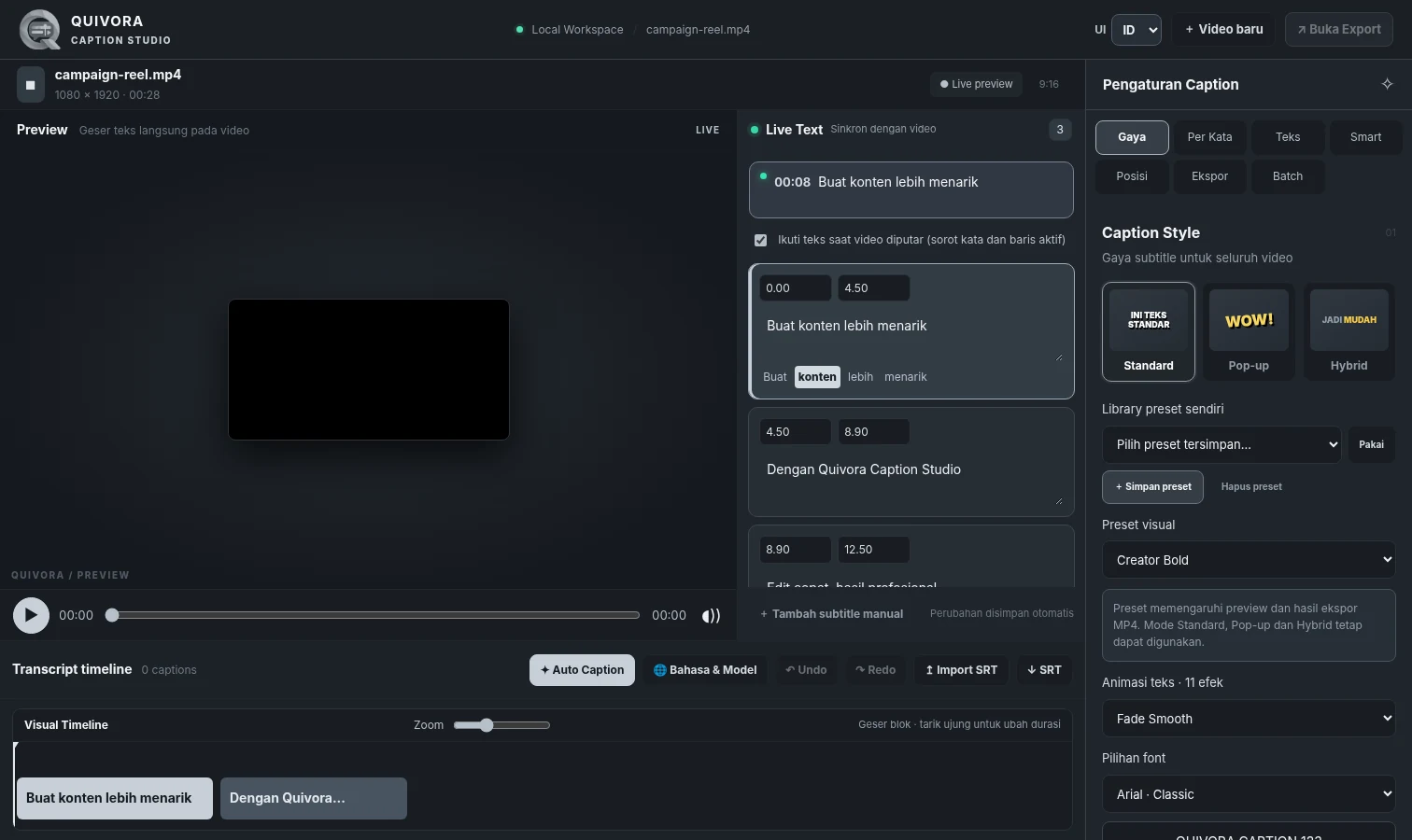 Actual editor preview; current version may differ slightly.
Caption, edit and export without switching between complicated tools.
Turn speech into editable subtitles with local Whisper AI.
Adjust fonts, colors, placement and word-level caption effects.
Fix words, tweak timing and follow captions during playback.
Render MP4 up to 4K and supported alpha formats for editing workflows.
Windows desktop installer (approximately 1.6 GB). After payment, request a .qlic activation license from Quivora support. No separate Python or FFmpeg installation needed.