QUIVORA CREATOR SOFTWARE

Tools beyond quizzes — built for content creators.

Quivora now includes desktop creator software in addition to the browser-based Quiz Studio. Start with YouTube Auto Live to schedule, loop, and stream prerecorded videos without opening OBS.

✓ Windows & macOS editions✓ No OBS workflow✓ Playlist, loop & scheduler✓ Built for YouTube creators
Quivora Auto Live for WindowsQuivora Auto Live for macOS
YOUTUBE AUTO LIVE

Automate repetitive live-stream setup.

Build a playlist from your prerecorded videos, schedule your broadcast, add opening/break/closing media, and start streaming directly from the desktop app.

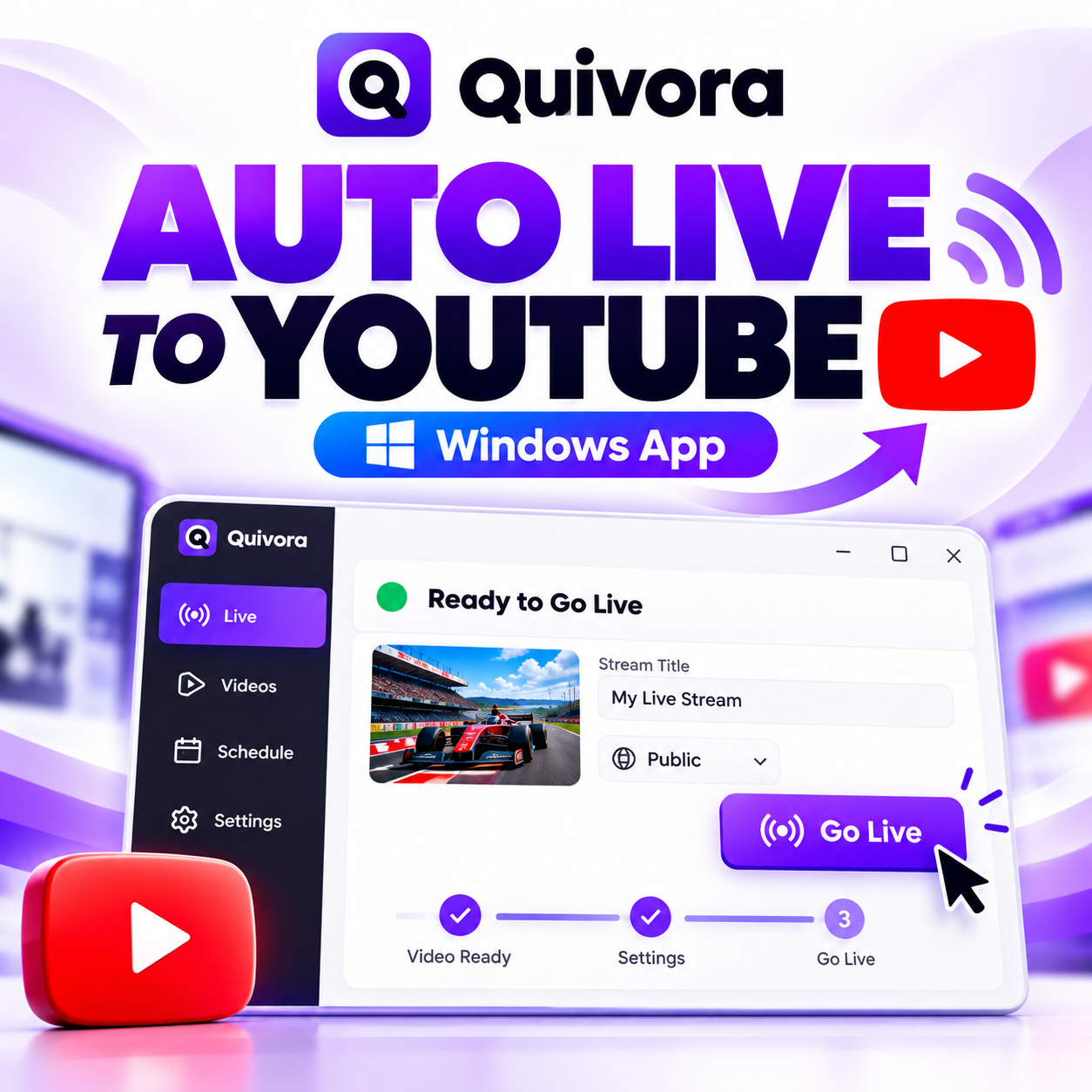
YouTube Auto Live software for Windows
WINDOWSNO OBS

Quivora Studio Auto Live — Windows

Desktop edition for Windows creators who want to run scheduled or repeat YouTube live streams from prerecorded media.

  • Create and reorder video playlists
  • Schedule live sessions
  • Opening, break and closing videos
  • Hardware encoder support when available
  • YouTube connection and live controls
Purchase link coming soon
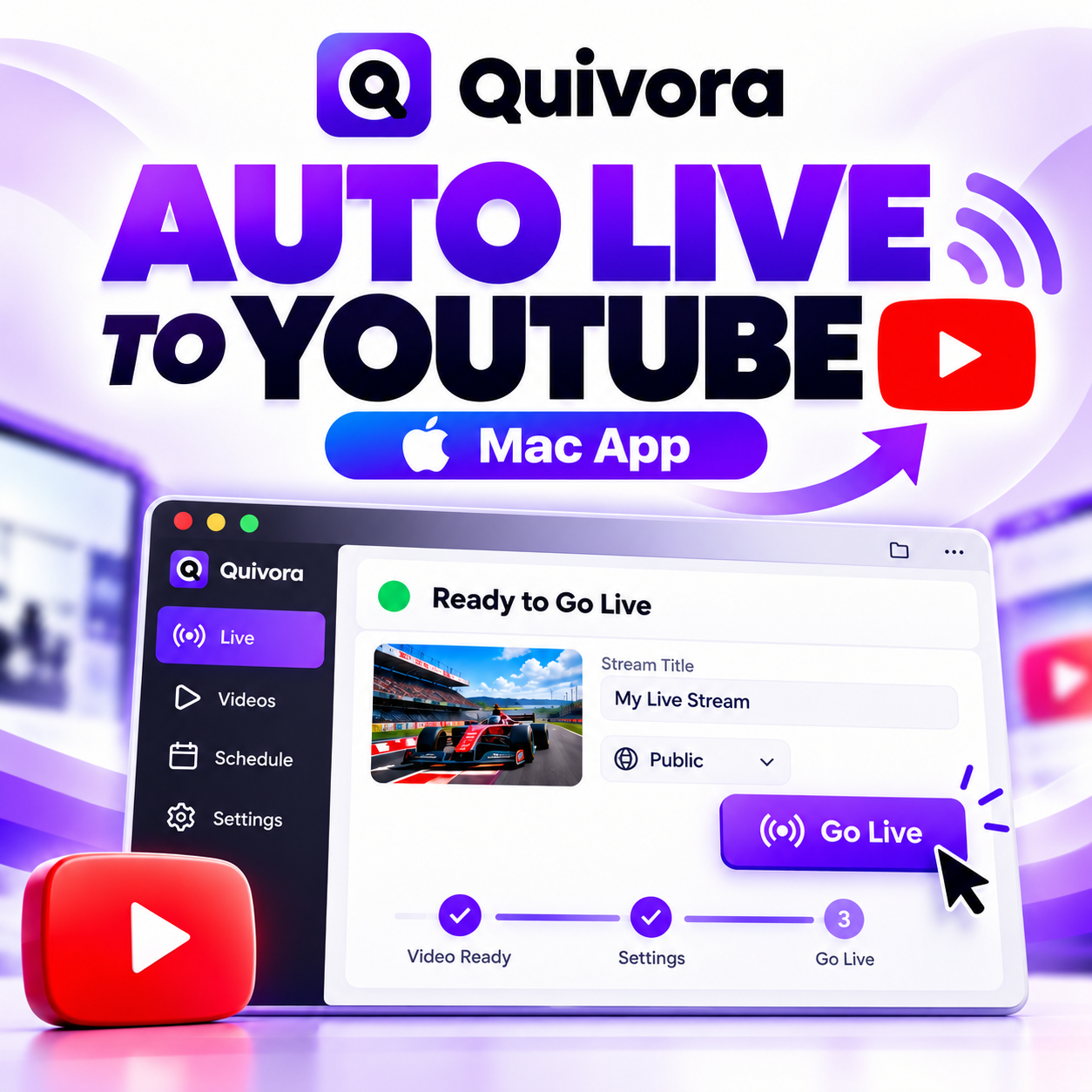
YouTube Auto Live software for macOS
macOSNO OBS

Quivora Studio Auto Live — macOS

Mac edition with the same creator-first workflow for playlists, scheduling, repeat streams, and YouTube live management.

  • Playlist and repeat-stream workflow
  • Scheduler and broadcast presets
  • Opening, break and closing media
  • macOS first-time setup guide included
  • Designed for creator desktop workflows
Purchase link coming soon
ONE BRAND, TWO CREATOR WORKFLOWS

Create with Quiz Studio. Publish longer with Auto Live.

Quivora Studio helps you build editable quiz videos and interactive quizzes in the browser. Auto Live helps you organize prerecorded videos into scheduled YouTube live streams from your desktop.

FAQ

Software questions.

Is Auto Live the same product as Quivora Quiz Studio?

No. Quiz Studio is a browser-based quiz creation product. Auto Live is separate desktop software for managing prerecorded YouTube live streams.

Do I need OBS?

Auto Live is designed to stream without requiring OBS for its normal workflow.

Which edition should I buy?

Choose the Windows edition for Windows PCs and the macOS edition for compatible Macs. Each product includes its own setup instructions.